





Runway
Know how long it lasts
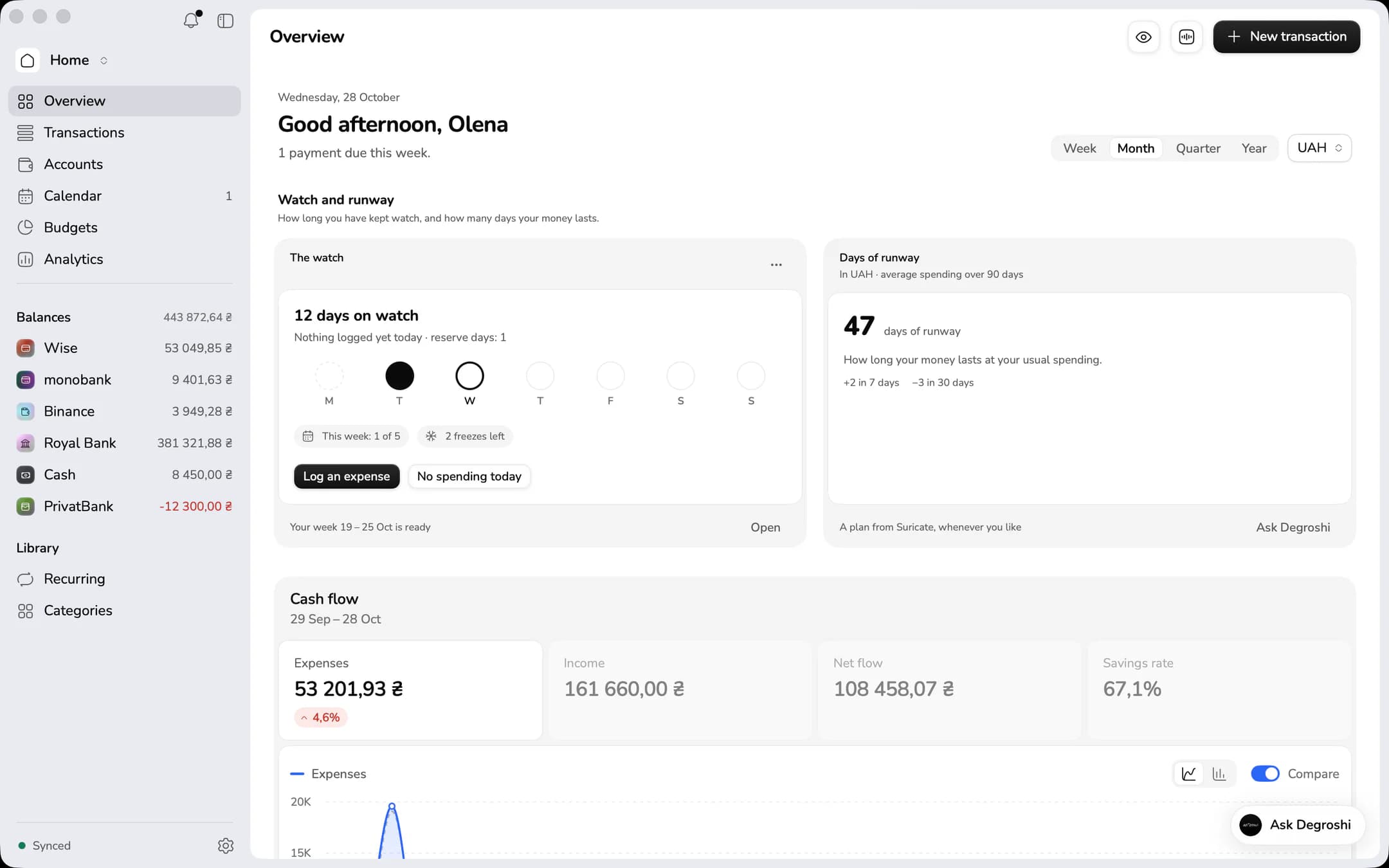
On iPhone and Mac, Runway shows how many days you could live on what you have if your income suddenly stopped and your spending stayed as usual.
How we count: your money ÷ your average spending per day.
Where’s the money? Now you know.
monobank, cards, cash, exchanges and crypto wallets together, totalled in hryvnia. For you, as a couple or as a whole family. Log spending by voice, and your budgets show whether you’re on pace.
Free plan · in the browser, on iPhone and Mac

The same accounts and numbers in the browser, on iPhone and on Mac
Suricate
What’s new today?
Works with
Sound familiar?
Two cards, some cash, dollars on an exchange, and nowhere to see it all together.
The month is over and you can’t remember what half of it went on.
Who spent how much, and from which card, gets settled from memory.
Money stops being a worry once you can see all of it.
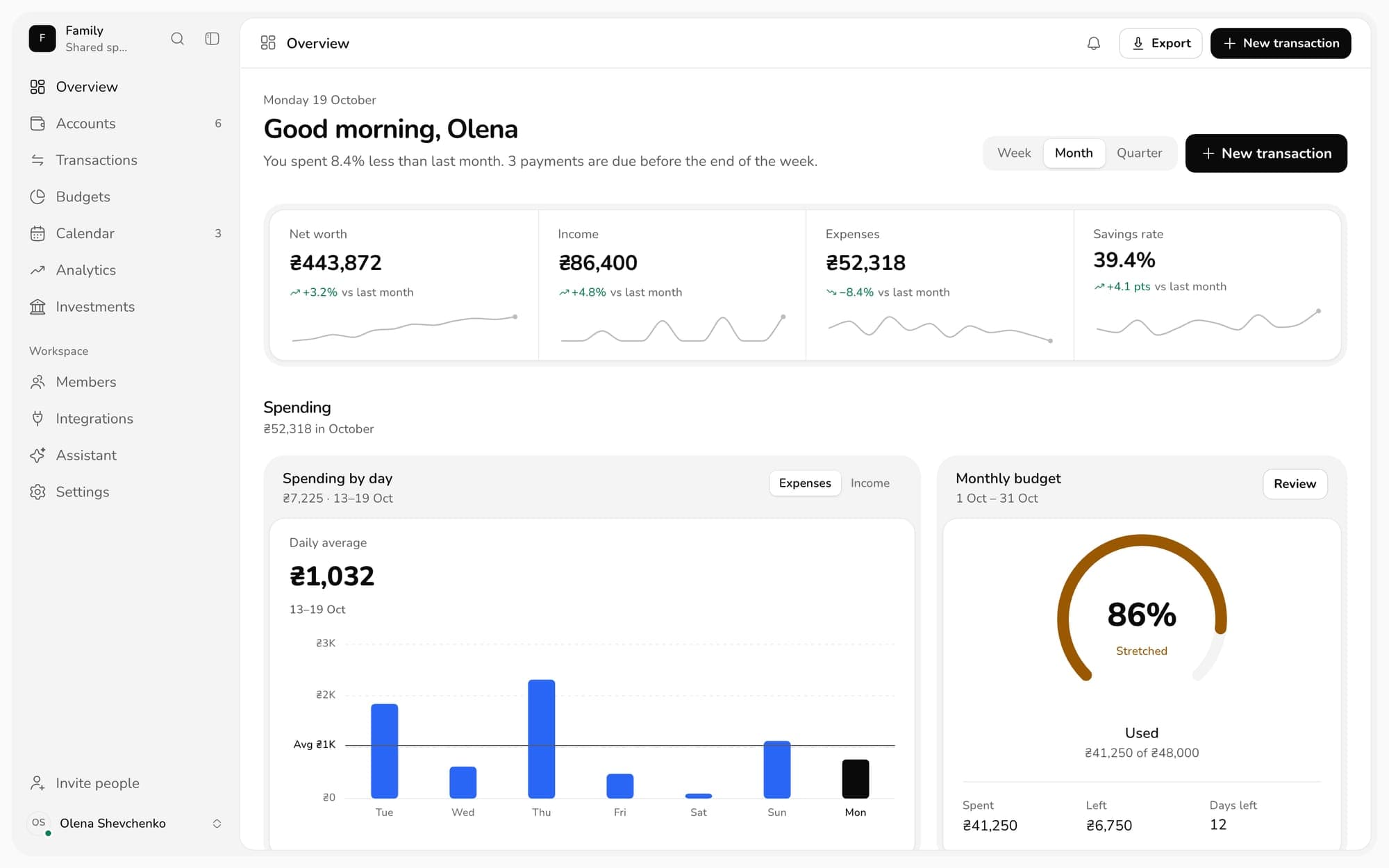
Degroshi puts everything in one picture and tells you what matters every day: how much there is, where it goes and how long it lasts.
How it works
No spreadsheets or tokens needed. Your first overview takes a few minutes.
In the browser on a computer or any phone, Android included. The same account works on iPhone and Mac.
Confirm monobank in the bank’s app, connect an exchange with a read-only key, add a wallet by its address. Log cash yourself, by voice if you like.
Balances, spending and budgets converted to hryvnia at the current rate. Suricate sums up what changed every day.
Free plan · no card needed
Suricate, your assistant
By voice, text or a photo of a receipt. Suricate turns it into categorised transactions and first shows exactly what it will add.
Budgets · Runway · The watch
Three things that tell you how it’s going every day: what’s left in the budget, and on iPhone and Mac how many days your money lasts and whether you looked today.
Set a limit for the month or a category and see whether you’re on pace well before the month ends.
Runway
On iPhone and Mac, Runway shows how many days you could live on what you have if your income suddenly stopped and your spending stayed as usual.
How we count: your money ÷ your average spending per day.

The watch
On iPhone and Mac, the watch counts the days you looked at your money. It’s not a chain you’re afraid to break but a sign of attention to yourself.
How we count: every day you look at your money adds a day to the watch.
Analytics
A year-long spending heatmap, categories by month and everything that repeats, so you can plan ahead.
There’s a free plan
Use cases
Personal money and your sole proprietorship live in one app but in separate spaces, each with its own accounts, rules and people.
DegroshiPersonal and family money
Degroshi BusinesssoonSole proprietors: income, taxes, the return
All about Degroshi Business
Degroshi · Just you
One space for every account, and on iPhone and Mac, the watch counting the days you paid attention to your money.
Learn morePlatforms
The same accounts, budgets and Suricate on every device. Whatever you log is everywhere a moment later.
In any browser, on a computer, Android or iPhone. Big tables and full-screen analytics.
Log on the go, by voice or with a receipt photo. Works offline and syncs as soon as you’re back online.
A native macOS app with a sidebar, tables, menus and keyboard shortcuts. The same data as everywhere else.
Privacy and security
No big words, just the facts on access, encryption and deletion.
Pricing
The Free plan needs no card. Paid plans are available now if you live in Ukraine; card payments from other countries are coming soon.
No card needed
FAQ
Choose monobank in Settings and confirm the request in the bank’s app. There’s no token to paste, the access is read-only, and you can revoke it at any time.
Open Degroshi in Chrome or any other browser. The web app does everything you need day to day and syncs with iPhone and Mac. There is no separate Android app yet.
OKX, Binance, Bybit, Kraken, KuCoin, WhiteBIT and Coinbase connect through read-only API keys, crypto wallets by address or through WalletConnect. Everything is converted into your currency at the current rate. Degroshi only shows balances and history: it doesn’t trade, transfer or hold crypto.
Connected servicesNo. Suricate helps you keep a budget: it records transactions and answers questions about your spending with numbers from your own records. It gives no financial or investment advice and never suggests what to buy or sell.
Suricate works only when you ask: it sends the AI model the transactions it needs for the answer and offers every change for you to confirm. Card and account numbers never reach AI providers, and no models are trained on your data.
How we use AIEach account keeps its own currency, and we convert the totals into your main currency at the current rate. Hryvnias and dollars are never added up as they are.
Yes: create a shared space and invite a partner or your family. You decide which accounts they see, and new accounts stay hidden until you open them.
Any source disconnects with one tap, and in Settings you can delete your account together with all its data. What we keep and for how long is described in the privacy policy.
Privacy policyThe app is ready for everyday use, and we keep polishing details and adding features. Something not working? Write to support@degroshi.com.
There’s a free plan with no card, and paid plans start at $4.99 a month: Plus, Family for up to 5 people and Business for sole proprietors. If you live in Ukraine, you can buy one now on the Plan & billing page; card payments from other countries are coming soon.
All plansThere is a separate business space for that: monobank business accounts, income at the NBU rate, taxes with due dates in a calendar and the return as a file. The beta starts soon. Read more on the Degroshi Business page.
About Degroshi Business
Create an account, connect monobank, and in a few minutes you’ll see the whole picture.
Free plan · no card needed