Platforms
One app in the browser, on iPhone and on Mac
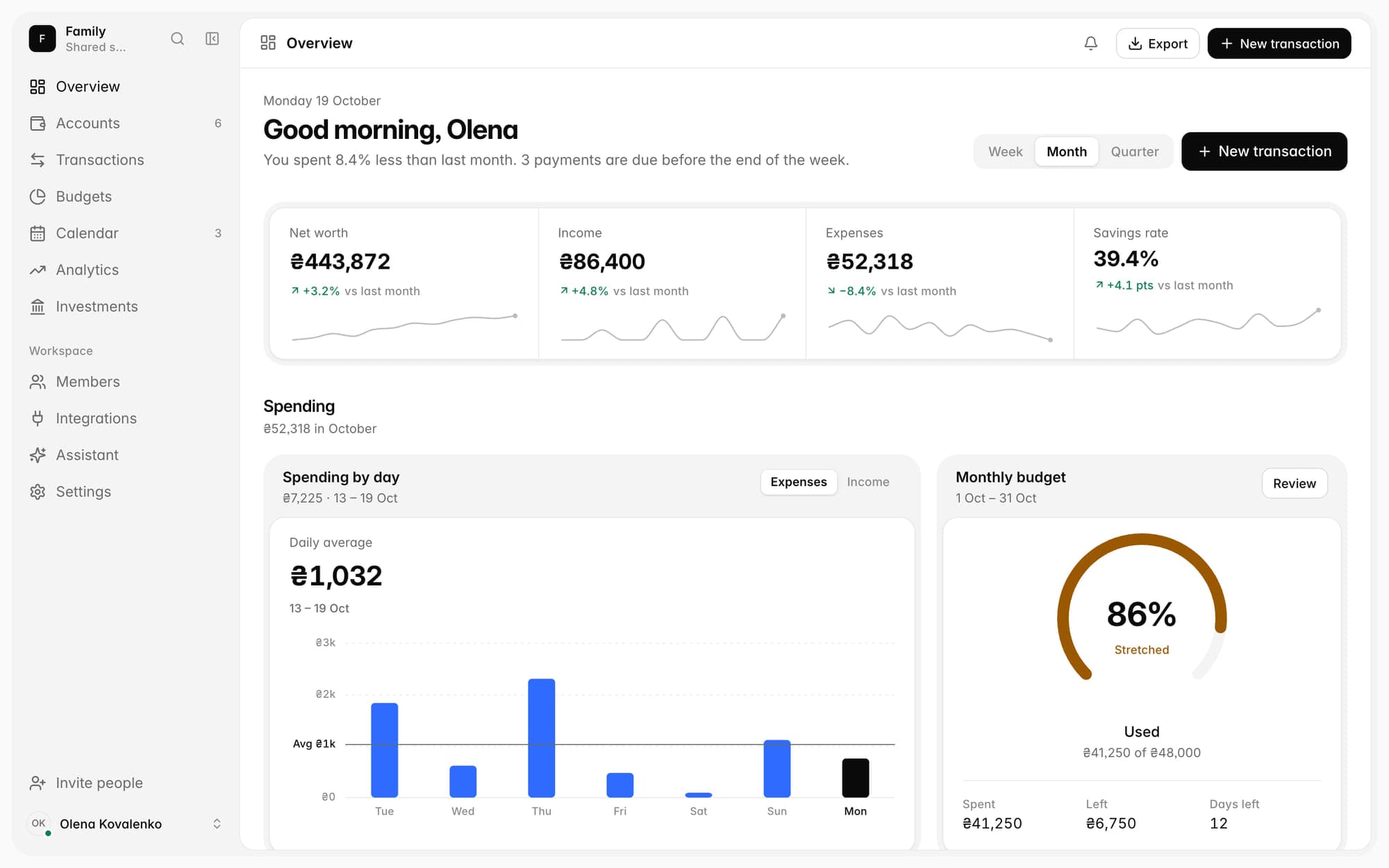
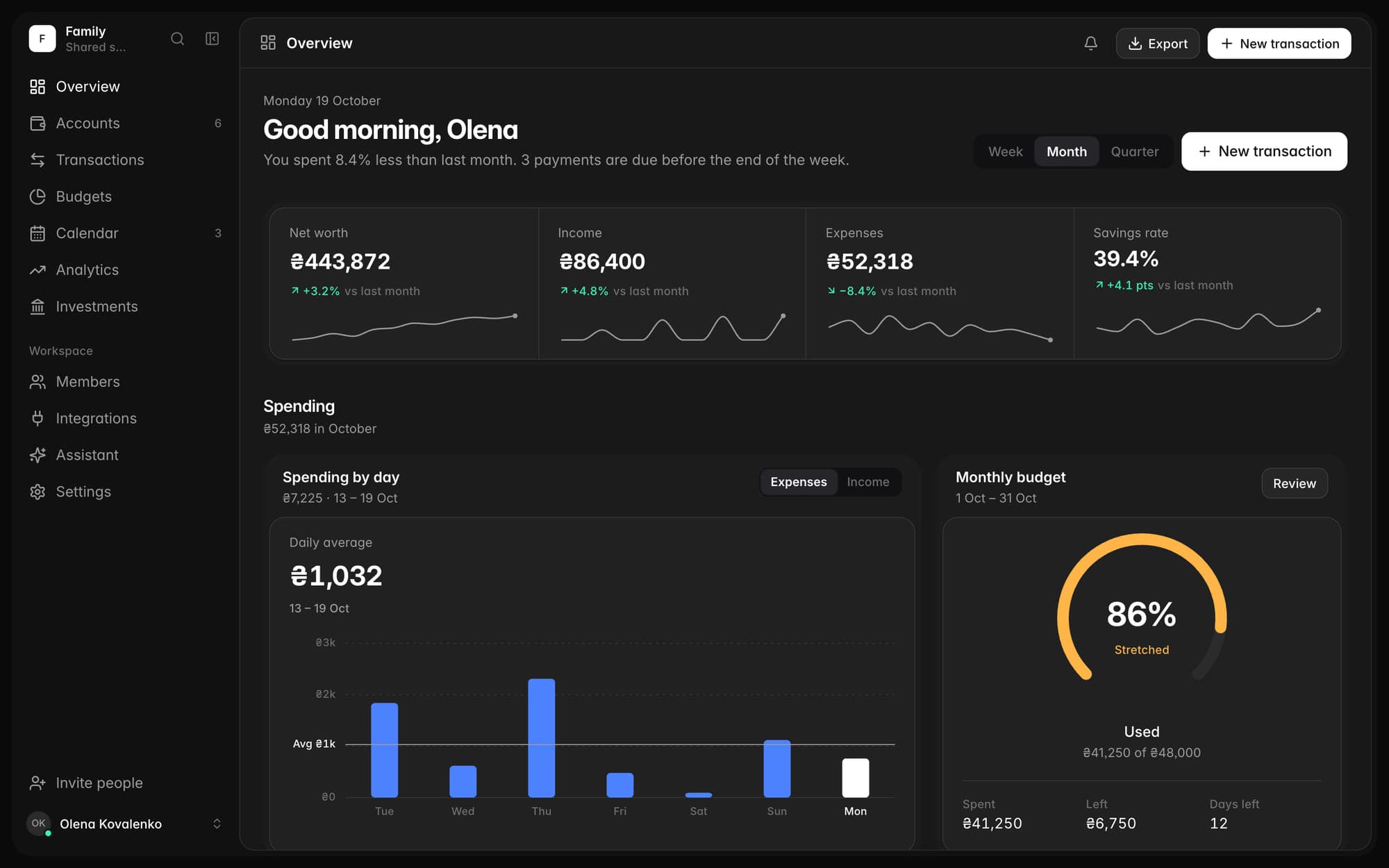
The same accounts, budgets and Suricate on every device. Log an expense on your phone, and a moment later it's in the browser.
In the browser right now · on iPhone and Mac with the same account
One account and the same data. The iPhone works offline and syncs once the connection is back.
Web
In any browser
Chrome, Safari or Firefox on a computer, Android or iPhone. Big tables and full-screen analytics, and Monobank connects with a QR code.
- Android
- There's no separate app, but the web app does everything you need day to day.
- A big screen
- Transaction tables, a year-long heatmap, budgets next to accounts.
- Nothing to install
- Open the page and get going. The same account as on iPhone and Mac.
Create an account; there’s a free plan
iPhone
Log on the go
Say it, type it or snap the receipt, and Suricate turns it into transactions with categories. It works offline too and syncs once you're back online.
iOS 18 and later
- Offline
- Log on the metro or on the road: changes go through as soon as there's a connection.
- Voice and receipts
- “Coffee 85 and taxi 240” becomes two transactions in a second, and a receipt is split into its lines.
- Monobank in the app
- The access request opens right in Monobank, and once you confirm it you're back in Degroshi.
The iPhone app

For now the iPhone app is available through TestFlight. Write to support@degroshi.com and we'll send you the link. Write to us


Mac
A native macOS app
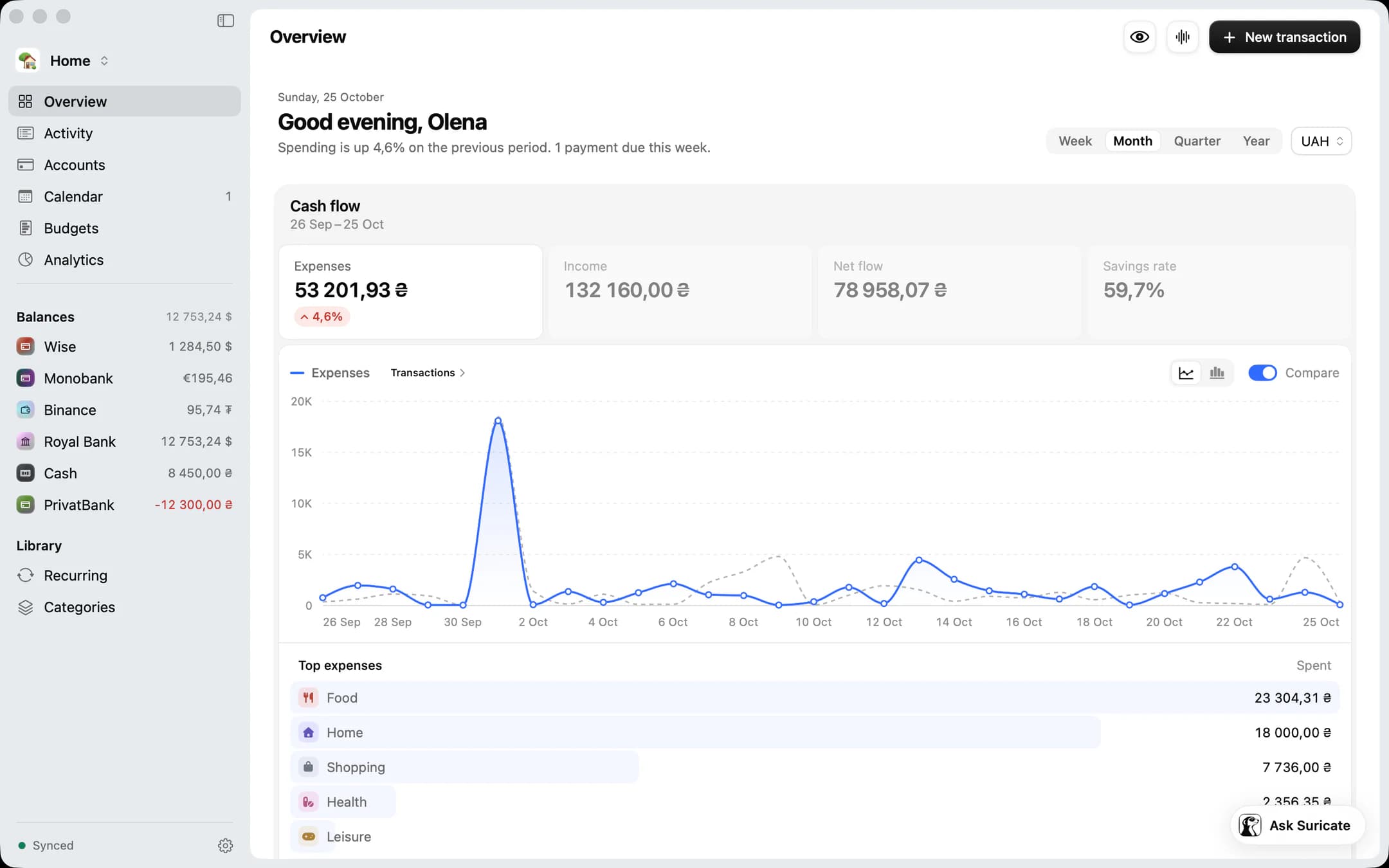
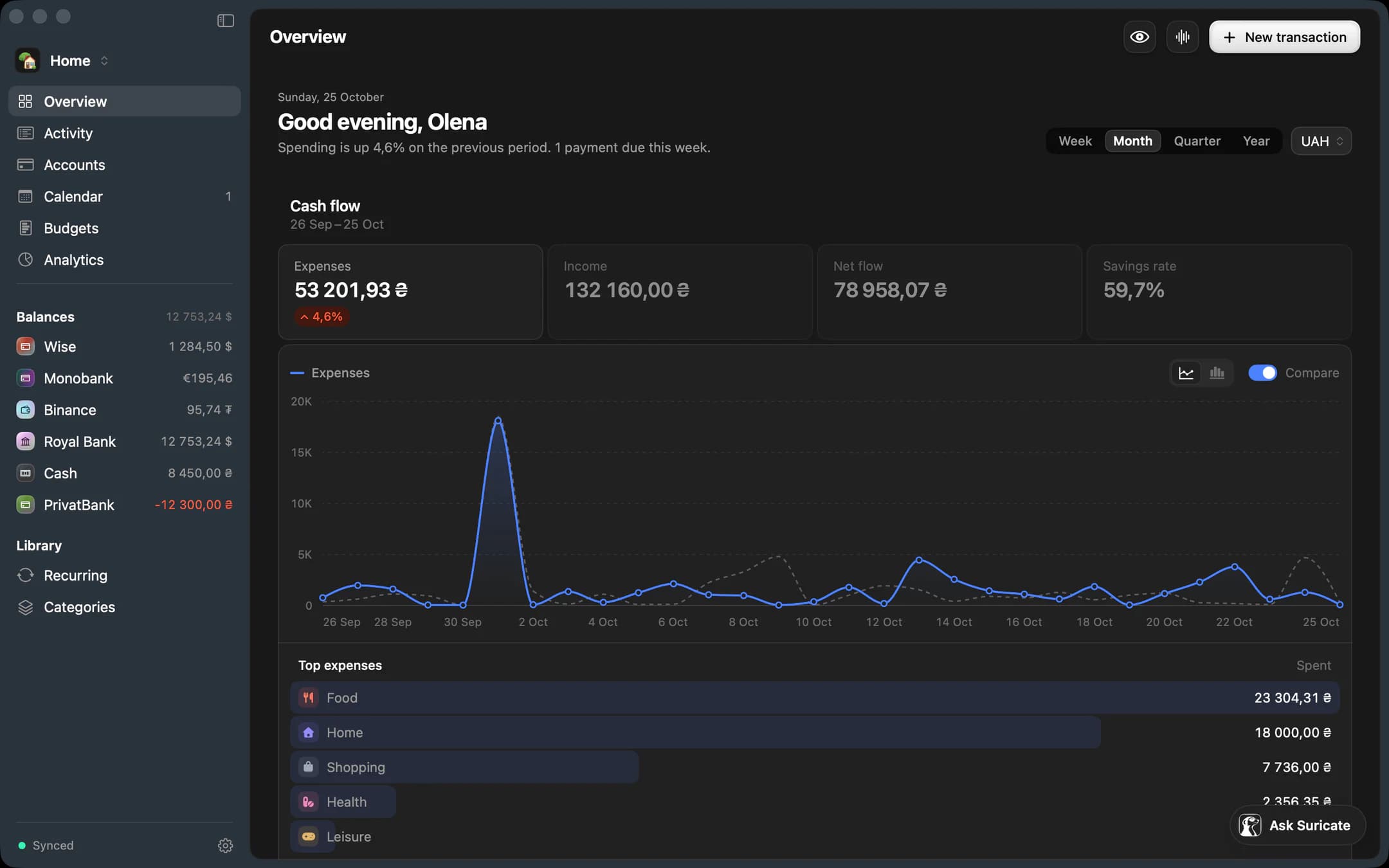
The same accounts and transactions as in the browser and on iPhone, in a window made for the Mac. Web, iPhone and Mac: your money is the same everywhere.
macOS 26 and later
- The same data
- One account, and a change on the Mac shows up on the iPhone and in the browser a moment later.
- Like a Mac
- A sidebar, tables, menus and the keyboard shortcuts you're used to on a Mac.
- Next to the web
- When the browser is handier, open the web app: it's the same app.
The Mac app

For now the Mac app is available through TestFlight. Write to support@degroshi.com and we'll send you the link. Write to us
One account
Whatever you log, a moment later it is everywhere
One account
Create it in the browser, then sign in on iPhone and Mac with the same email or through Google or Apple.
Instant
A transaction, a budget or a new account appears on your other devices in a moment.
Offline
The iPhone works offline and catches up with your other devices once it's back online.
FAQ
Frequently asked questions
What if I have an Android phone?
Open Degroshi in Chrome or any other browser. The web app does everything you need day to day and syncs with iPhone and Mac. There's no separate Android app yet.
Which iOS version do I need?
iOS 18 or later. On iOS 26 the app uses the system's new materials, but it works on 18 too.
Do I need all three?
No, one is enough, even just the browser. Add the others when it suits you: one account, the same data.
Where do I download the iPhone or Mac app?
Until the apps are on the App Store, we give access through TestFlight. Write to support@degroshi.com and we'll send the link. When the App Store page exists, the button will be here.

See where your money is
Create an account, connect Monobank, and in a few minutes you’ll see the whole picture.
- An account in a minute
- Monobank through the bank’s app
- All your money together, in hryvnia
Free plan · no card needed