Use cases · As a couple
You decide what your partner sees
A shared space for two: shared spending together, and your personal money stays yours. Your partner sees only the accounts you opened, and new ones stay hidden too until you open them. The database itself enforces this, not just the interface.
- You open accounts one by one
- New ones stay hidden until you open them
- A transfer to a hidden one shows as “Other account”
Free plan · invite your partner by link

Sound familiar?
Shared money, separate phones
We “keep a budget” by sending balance screenshots on Telegram.
“I told you we’d overspent”, and nobody can prove anything.
I don’t want to show everything. And that’s fine.
Who sees what
Hers, his and shared: three columns, one rule
The space “Shared” belongs to Sofia. She opened two of her five accounts to Andrii. Andrii connected his own Monobank himself, so he always sees it. Everyone’s other accounts stay their own.
Hersclosed to Andrii
- OKX
- Cash
- ETH wallet
Sharedboth see it
- Monobank · Whitehers, opened to Andrii
- Shared expensesopened
- Monobank · Andriiconnected it himself, so always sees it
Hishis own space; Sofia isn’t in it
- Cash
- Savings
How Andrii sees itA 2 000 ₴ transfer from the “White” card to OKX shows up for him as “Other account”: −2 000 ₴, with no account name or balance.
This is the real switch from the space’s settings. Try it.
- The owner picks accounts for each person
- All accounts or only selected ones, separately for every member and every invitation. You can change it at any time. Accounts a member created themselves, they always see.
- New means hidden
- A new account doesn’t appear for your partner until you open it. Connected another card? It’s yours until you decide otherwise.
- “Other account”
- A transfer between a visible and a hidden account shows to your partner as a transfer to “Other account”. The amount and direction are the same, but the other side’s name, balance and fee aren’t there.
- The database enforces it
- The limit works in Postgres at row level, through row-level security. So Suricate, sync to the phone and analytics also show your partner only what’s open.
- Personal money has its own space
- Keep whatever isn’t about shared spending in your personal space. You own it, and your partner never goes there.
One limit for two
The month’s pace instead of an argument at the end
The space has one monthly limit, and you both see the same dial: how much is spent, how much is left and how many days remain. If the budget melts faster than the month goes by, an alert lands in the app’s inbox before the money runs out.
Pace = spent ÷ limit against the share of the month gone. For example: 58 % of the limit with 61 % of the month gone, so on track.
- You set the alert threshold
- What’s left can roll over to next month
- Limits work per category too: cafés, groceries, home
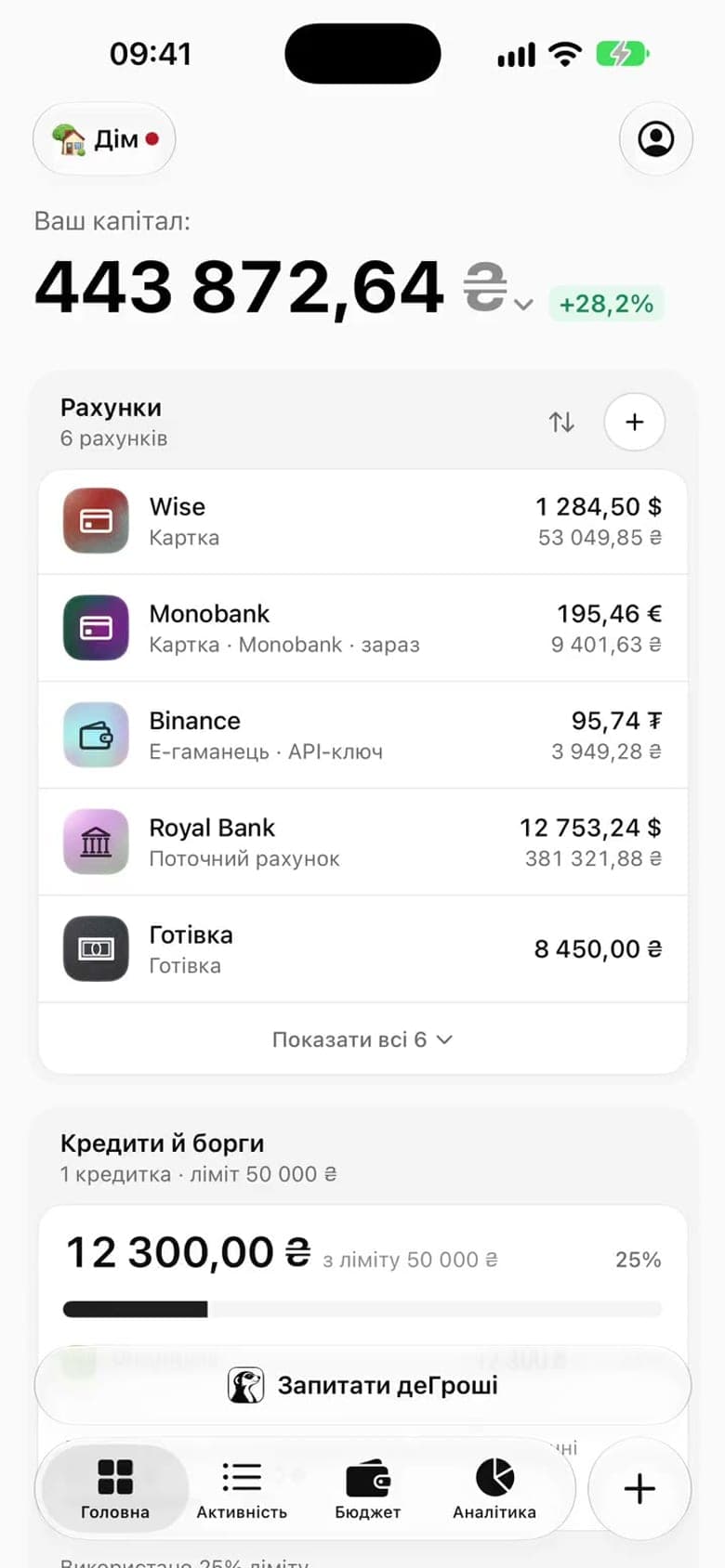
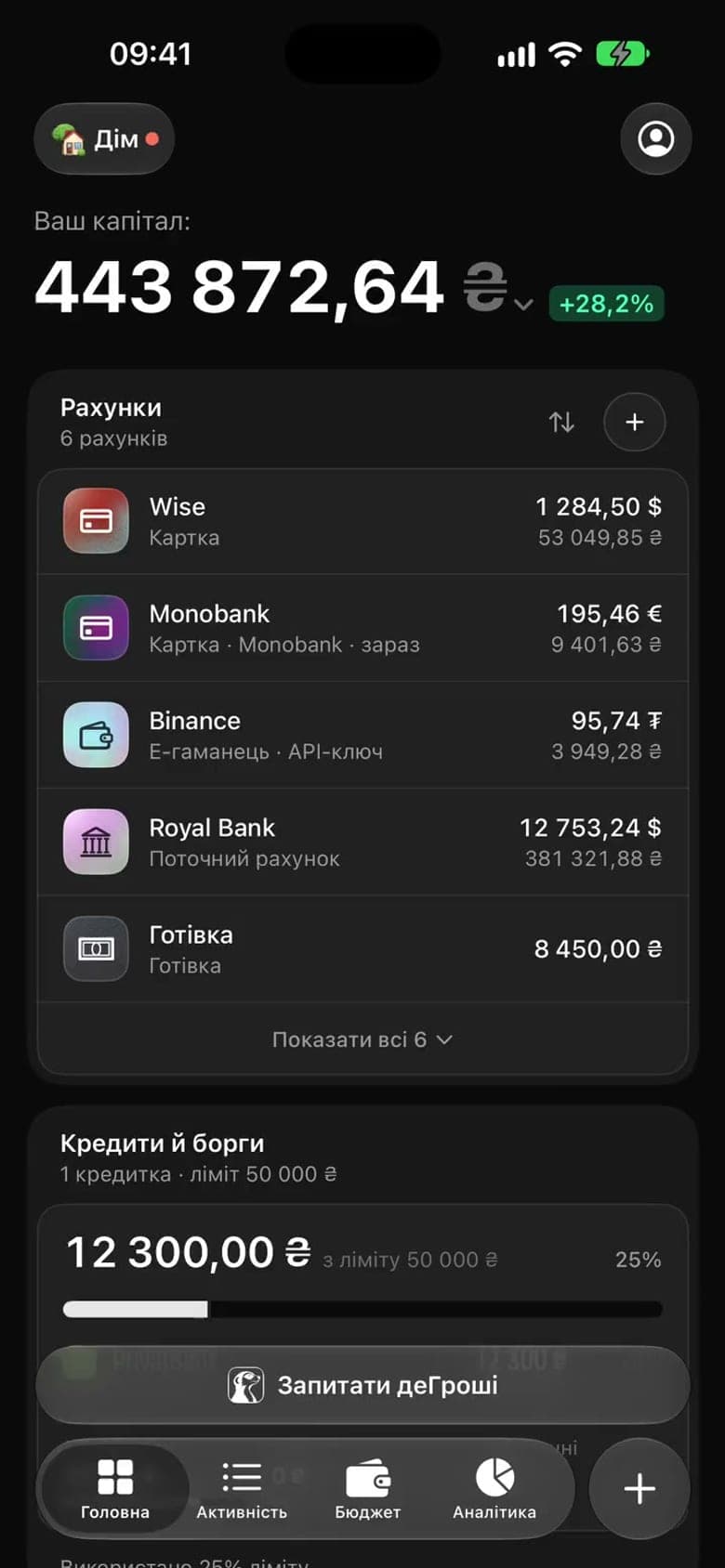
Two cards, one space
It doesn’t matter who pays this time
Each of you connects your own Monobank in the same space. Transactions from both cards arrive on their own and land in the shared categories, so you both see the same numbers and nobody has to send screenshots.
- Her Monobank → “Shared”
- Sofia connected her Monobank and opened the “White” card to Andrii. Her other accounts stayed closed.
- His Monobank → the same space
- Andrii confirmed the request in the bank’s app, and his transactions appeared next to Sofia’s. A connected card’s balance is view-only.
- Three months of history at once
- Three months of statements arrive right after connecting, so the shared picture is there from day one.
You confirm the request in the bank’s app; from then on, statements arrive on their own. We can’t transfer money.
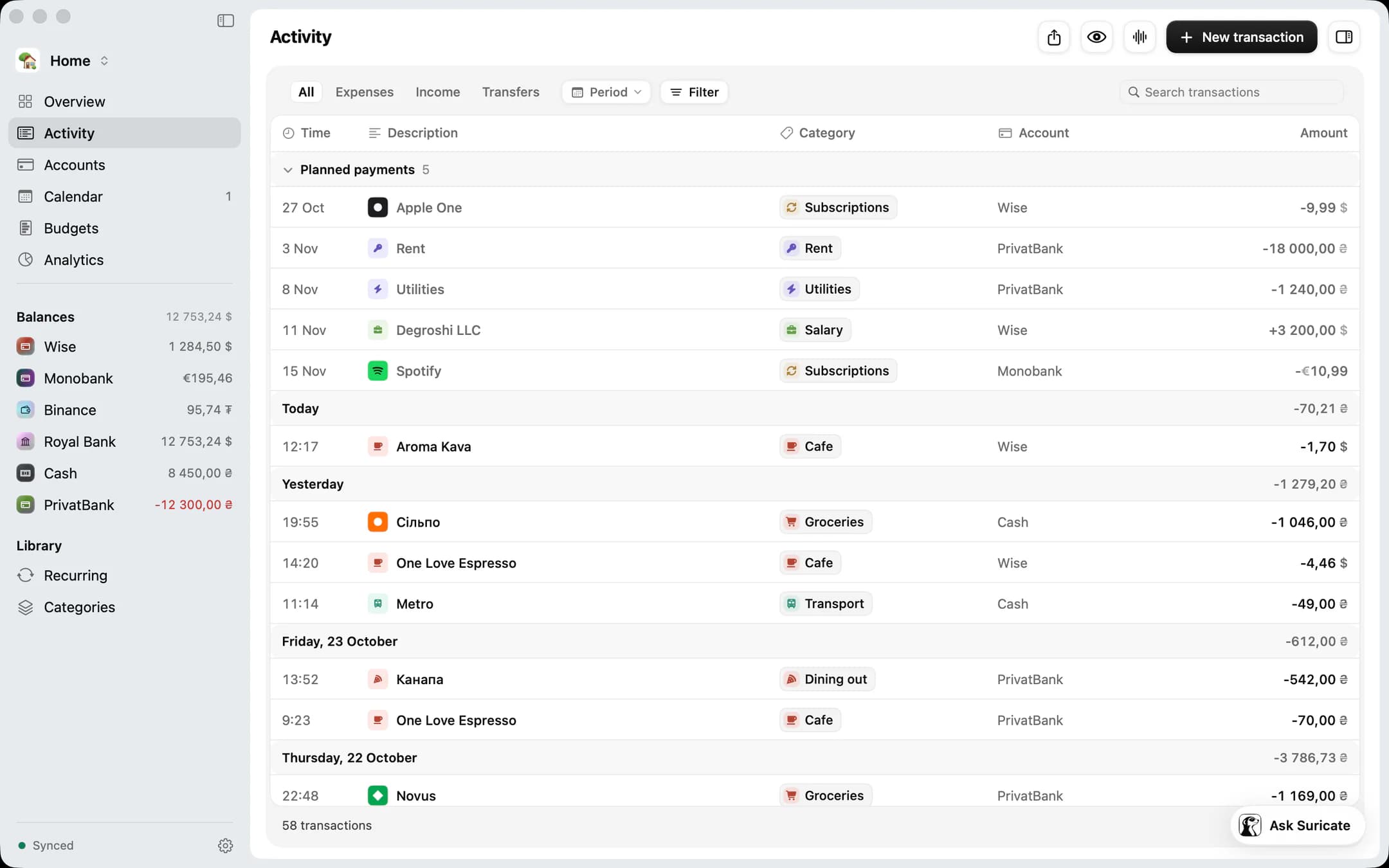
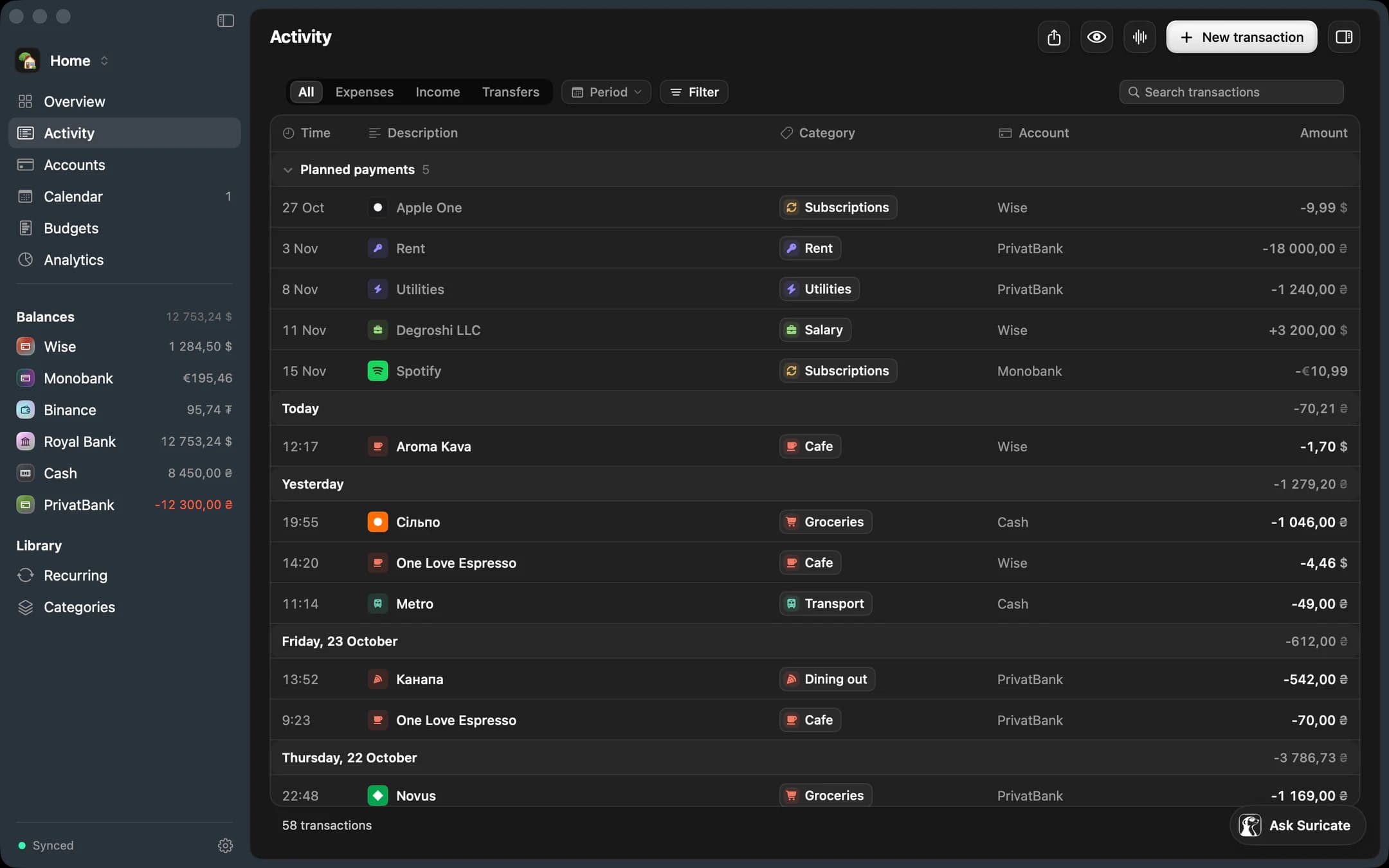
On the Mac. One feed for both cards. The Account column shows which card paid, and the planned payments sit at the top.
Suricate
Ask Suricate, and it answers with the space’s numbers
“How much went on coffee in October?” The answer comes from the space’s transactions: the total, the count, a comparison with September and an offer to set a limit.
If a member has limited access, their Suricate sees only the accounts opened to them: the same database holds that limit. And Suricate never writes anything without your confirmation.
How to start
Five minutes for the two of you
≈ 5 minutesA space called “Shared”
Create a new space for shared money or use the one you have. Personal money is better kept apart, so it definitely stays yours.
Invite by link
The invitation goes to an email address, the link is valid for 14 days, and your partner signs in with that same address. You pick the role right away: a member logs, a viewer only looks.
Choose what to open
Pick “All accounts” or “Selected” and tick the ones your partner should see. New accounts stay hidden until you open them.
A limit and shared categories
Set one monthly limit and the categories for shared spending. Your partner connects their Monobank in the same space: they confirm the request in the bank’s app, and statements arrive on their own from then on.
Free plan · invite your partner by link
A week later
What you’ll see
- The same numbers on two phones, and not a single screenshot.
- The shared budget’s pace, visible mid-month.
- Transactions from both cards landing in the shared categories by themselves.
- Your personal accounts still yours: your partner sees only the ones you opened.
- A Sunday recap of the week for both of you in the app, and by email if you turn it on.
FAQ
Frequently asked questions
Does my partner see my personal accounts?
Not until you open them yourself. New accounts are hidden by default, and you can open or close an account at any time in the space’s settings. Personal money that has nothing to do with shared spending is easier to keep in a separate space.
Can my partner change transactions?
It depends on the role. A member logs and edits, a viewer only looks, and an admin can also invite people. The space’s owner sets the roles.
What if we use different banks?
Each of you connects Monobank yourself, in the same space. You confirm the request in the bank’s app, and we can’t transfer money. Accounts at other banks are kept by hand or by importing a CSV or XLSX statement on the web and on the Mac.
What if we break up?
You can leave a space at any time, and the space stays with its owner. That’s why personal money belongs in your own space: your partner never goes there, and you’ll never have to leave it.
Is hidden really hidden?
Yes. The database itself enforces it through row-level security, so Suricate, sync to the phone and analytics all show your partner only the opened accounts. A transfer to a hidden account shows to them as “Other account”, just the amount and the direction.
Who owns the shared data?
The space does, and the space belongs to its owner. The owner can hand it over to the partner. Members see and log what their role allows, and everyone has their own personal spaces.
Can I open an account for a while and close it again?
Yes. While the account is open, your partner sees it with its whole history. Once you close it, the account and its transactions disappear for them, and their phone syncs again from scratch.

See where your money is
Create an account, connect Monobank, and in a few minutes you’ll see the whole picture.
- An account in a minute
- Monobank through the bank’s app
- All your money together, in hryvnia
Free plan · no card needed